

Split a song into four stems

Vocals, drums, bass and the other instruments as four separate files. The song is separated on your device and never uploaded.

  • Four stems
  • Free, no sign-up
  • Nothing uploaded
  • WAV for your DAW
Vocals S Drums S Bass S Other S
or drop it here · MP3, WAV, M4A, FLAC, OGG or a video · up to 6 minutes

How to use the stem splitter

  1. Choose a song

    MP3, WAV, M4A, FLAC or OGG, up to 6 minutes. Four stems need more memory than two.

  2. Split into stems

    The model (180 MB, downloaded once) separates vocals, drums, bass and other instruments.

  3. Use the stems

    Save each stem as WAV and line them up at zero in your DAW: they are the same length as the song.

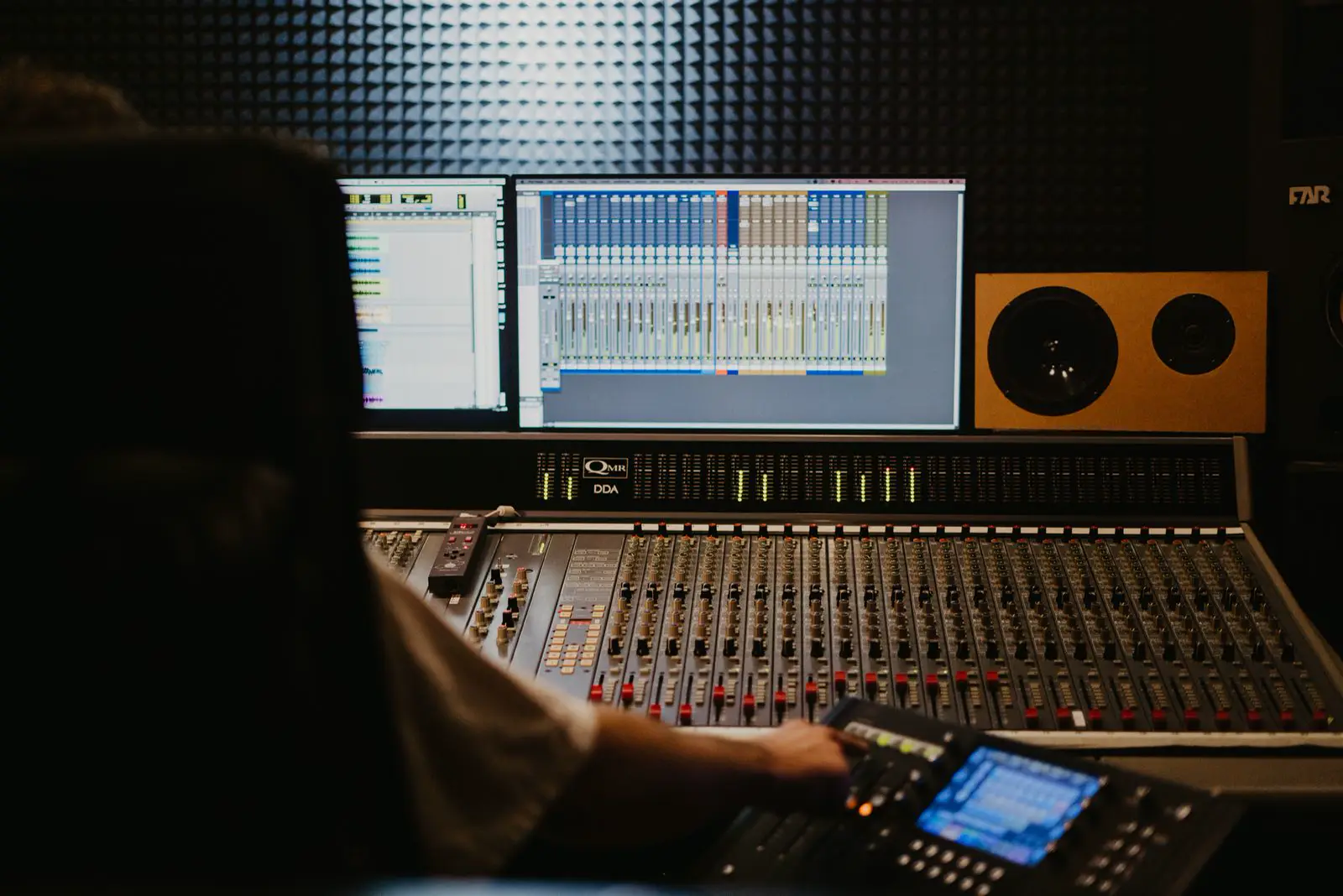
A sound engineer at a mixing console with screens showing audio tracks
A singer in headphones seen from behind, recording vocals at a microphone in a padded booth
A musician in a beanie and studio headphones, listening closely to a mix

Four stems from one mix

A stem is one part of a song on its own track. Producers use stems to remix, DJs to build mashups, and musicians to learn a part or play along with the rest of the band. When a label has not released stems, a separation model can make them from the finished song.

This splitter runs HTDemucs, an open-source model from Meta's AI research team. It gives you four stems:

StemWhat it holds
VocalsLead and backing vocals, spoken words
DrumsKit, percussion, drum machines
BassBass guitar, synth bass, low sub lines
OtherGuitars, piano, keys, synths, strings, brass

For your DAW

Save the stems as WAV (16-bit, 44.1 kHz stereo). They are all the length of the original and start at zero, so they line up on separate tracks in Ableton Live, FL Studio, Logic, Reaper or any other editor. Played together at the same level they rebuild the song closely, so you can mute, solo or re-balance parts.

Limits worth knowing

  • Instruments that share the same range bleed a little: a bright snare may leave a trace in the vocals, a low piano part may land partly in the bass.
  • The "other" stem is not split further; for a guitar or piano alone you would need a different model.
  • Up to 6 minutes per song, because the four stems are held in memory until you save them.

Only need two parts? The vocal remover, drum remover and bass remover keep fewer files and accept songs up to 10 minutes.

Frequently asked questions

What is in the "other" stem?
Everything that is not vocals, drums or bass: guitars, piano, keys, synths, strings, brass and effects. The model does not split these further.
Will the stems line up in my DAW?
Yes. Every stem is exactly as long as the song and starts at the same moment, at 44.1 kHz. Drop them on separate tracks at the start and they play in sync.
Why is the limit 6 minutes?
All four stems are kept in your browser's memory until you save them. Six minutes keeps that under about 700 MB, which most computers handle. For longer tracks, cut them into parts first.
Are my stems stored anywhere online?
No. The four stems exist only in your browser until you save them to your own disk. Nothing is uploaded, and closing the tab discards them.
Why do I hear a little snare in the vocal stem?
Sounds that share the same frequencies, such as a bright snare and a sung consonant, are the hardest for any separation model to tell apart. A trace in one stem usually disappears once the stems are played together or the stem sits in a full mix.
Why does splitting take longer on some computers?
The model does the same amount of work for two or four stems, but speed depends on your processor or graphics card. The page shows the time left once the first few seconds are done.